Someone lands on your pricing page at 11pm with a question about plans. The widget in the corner offers them three help articles and a form. They close the tab.
Most chatbot lists rank tools as if that problem and a support queue were the same thing, so this one sorts 11 website chatbots by the job they do well, with what each costs and where it falls short.
Quick TL;DR
Best for turning visitors into booked meetingsFlowxperia. It puts a live video agent on your site that talks with visitors by voice or text and books the meeting, then follows up on WhatsApp, Instagram and SMS. From $797 a month.
Best for support teamsIntercom Fin. The strongest support agent on the list, at $0.99 per resolved conversation plus seats, and $9.99 per qualified lead with Fin for Sales.
Already on HubSpotHubSpot Customer Agent at $0.50 per resolution on Professional or Enterprise. The free Meetings bot handles simple booking.
Best on a small budgetChatbase from $40 a month, or Tidio, which has a free plan.
What to look for in a website chatbot
Start with the job you're hiring it for. A website chatbot usually does one of three, and the tools that are great at one are often mediocre at the others.
Job
What good looks like
Usually priced by
Best picks
Sales: qualify and book
Answers buying questions, helps people pick the right option, asks your qualifying questions, books on a rep's calendar and follows up
Plan or lead volume
Flowxperia, Fin for Sales, HubSpot, Landbot
Support: resolve and deflect
Answers from your help center, resolves without a human, hands off cleanly
Resolution or seat
Intercom Fin, Zendesk, HubSpot, Crisp
Budget: simple answers
Learns your site, answers FAQs, captures an email
Flat plan or message credits
Chatbase, Tidio, Botpress, ChatBot.com, Zapier
Mixing these up costs you. A support bot scored on deflection will happily close a chat with someone who was ready to buy, and a sales bot scored on meetings will try to book a call with your existing customers.
Once you know the job, check these before you sign:
How you get billed. Per seat, per resolution, per conversation or a flat plan. Run last month's chat volume through the pricing and see what the bill would have been.
Where the answers come from. Good tools learn from your site and documents and stay inside them. Ask a question it shouldn't answer and watch what it does.
Booking. If it can't offer real times and put one on a calendar, it's a support tool with a link in it.
What happens after the visitor leaves. Most chatbots stop when the tab closes. A few carry the conversation on by message or email.
Website AI chatbots at a glance
Tool
Best job
Starting price
Free plan or trial
Books meetings
Live video agent
Flowxperia
Sales
$797 a month
Free trial
Intercom Fin
Support, sales
$29 a seat plus $0.99 per outcome, $9.99 per qualified lead
14-day trial
Calendly, Chili Piper
HubSpot Customer Agent
Support, sales
$0.50 per resolution on Pro ($90 a seat)
Free bots
Free Meetings bot
Landbot
Sales
€40 a month
Calendly on Professional
Chatbase
Budget
$40 a month
7-day trial
Cal.com, Calendly
Tidio (Lyro)
Budget, support
$29 a month plus Lyro
Calendly link
Crisp (Hugo)
Support
$45 a month
Yes, no AI
Not confirmed
Zendesk AI agents
Support
$19 an agent plus $2 per resolution
14-day trial
Botpress
Custom builds
$150 a month, annual
Calendly
ChatBot.com
Budget, ecommerce
$19 a user, annual
14-day trial
Via Zapier
Zapier Chatbots
Budget
$13.33 a month, annual
Yes, no embed
Via Zaps
Live video agent
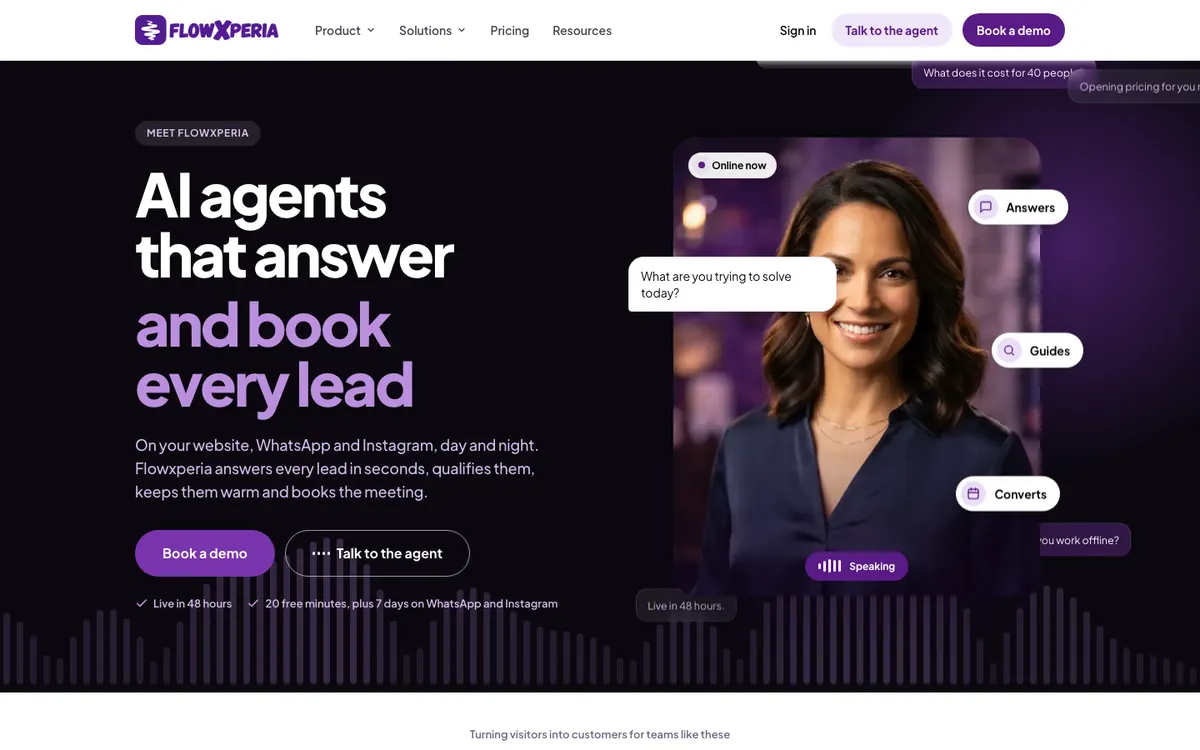
Flowxperia video agentMost chatbots type back. This one talks to your visitor
Flowxperia's video agent answers from your content by voice or text, helps people pick the right option and books the meeting.
Talk to Flora, the agent on this page, and ask it the question your visitors ask most.
Best website chatbots for sales and booking meetings
1
Flowxperia
Best for: businesses that want website visitors turned into booked meetings, with follow-up after they leave
Starting price
$797 a month
Free trial
20 minutes on the website, 7 days on WhatsApp and Instagram
Channels
Website, WhatsApp, Instagram, SMS
Video agent
Yes, on every plan
Flowxperia puts a live video agent on your website. Visitors see a lifelike AI presenter and can talk to it or type.
It answers from your own content, compares options, recommends the plan or product that fits, asks your qualifying questions and books the meeting.
You start with one of the pre-built presenters. On Scale you can add up to three custom avatars of people on your team, with their cloned voices.
On Growth and Scale, the same agent replies to new leads on WhatsApp, Instagram or SMS within seconds and keeps following up until they book.
It connects to HubSpot, Salesforce, Zoho, Pipedrive, Dynamics 365 and Zendesk, and to Google Calendar or Outlook for booking. Most teams are live in about 48 hours. See how the video agent works.
What we like
The only live video agent on this list
Built to book meetings, not to deflect chats
Follow-up on WhatsApp, Instagram and SMS
Published prices and a free trial
Watch out for
No helpdesk or ticketing, so it won't replace your support tool
Messaging follow-up starts on Growth at $1.5K a month
Costs more than the DIY bots further down
Bottom line: Pick it when a conversation on your site should end in a booked meeting and you want visitors to hear a voice before they commit.
2
Intercom Fin
Best for: mid-market companies that want one AI agent for support and inbound sales
Starting price
$29 a seat plus $0.99 per outcome, $9.99 per qualified lead
Free trial
14 days
Channels
Chat, email, WhatsApp, social, SMS, voice
G2 rating
4.5 out of 5 (3,939 reviews)
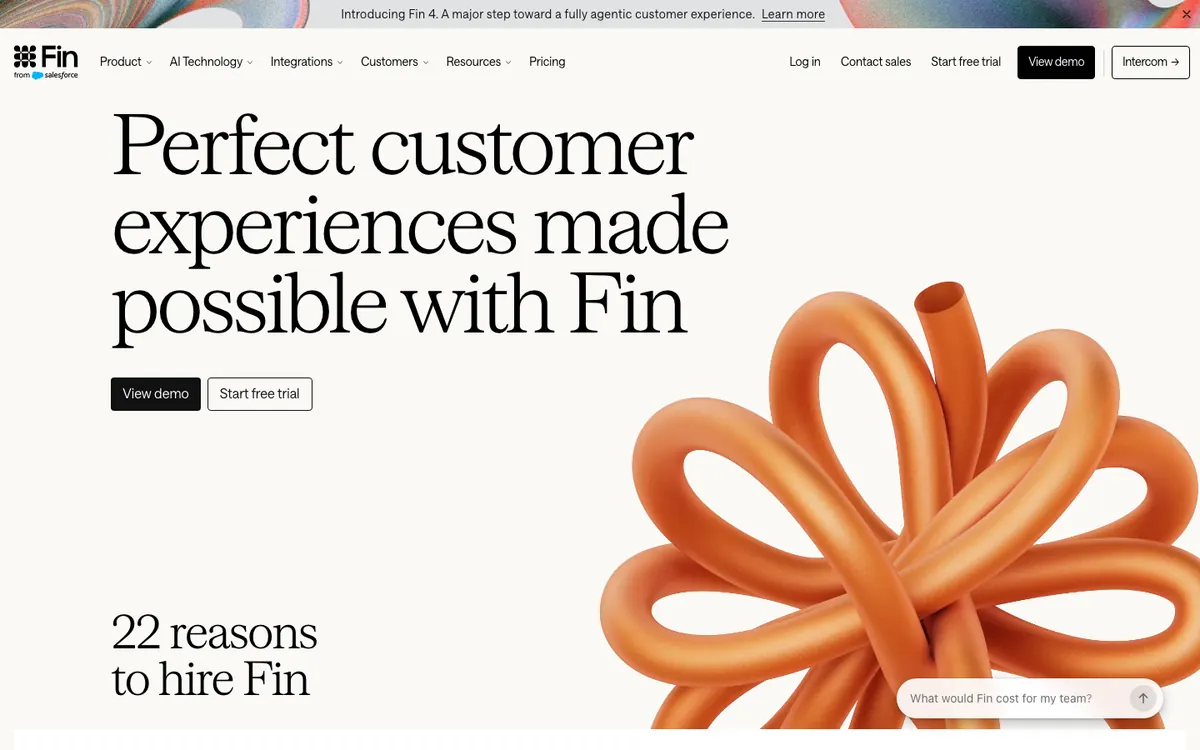
Fin is the AI support agent most people have heard of. Fin for Sales adds lead qualification and books meetings through Calendly and Chili Piper.
It works in 45 languages and hands off to your team when it should. In May 2026 the company renamed itself from Intercom to Fin, though the helpdesk is still called Intercom.
You pay for helpdesk seats, from $29 a seat a month billed annually, plus $0.99 for each resolved conversation. When Fin for Sales qualifies a lead and routes it to your team, that outcome costs $9.99 instead. Each conversation is billed for one outcome only.
What we like
The most capable support agent here
Native Calendly and Chili Piper booking
Chat, email, WhatsApp and social in one inbox
Watch out for
Per-outcome billing is hard to forecast
Sales qualifications cost $9.99 each
Some features sit behind higher tiers
Bottom line: If support volume is your main problem and sales is a side job, Fin is the safest pick.
3
HubSpot Customer Agent
Best for: companies that already run HubSpot
Starting price
$0.50 per resolution, on Service Hub Pro
Free plan
Free chatbot builder
Channels
Chat, email, voice, WhatsApp, Messenger
G2 rating
4.4 out of 5 for Service Hub
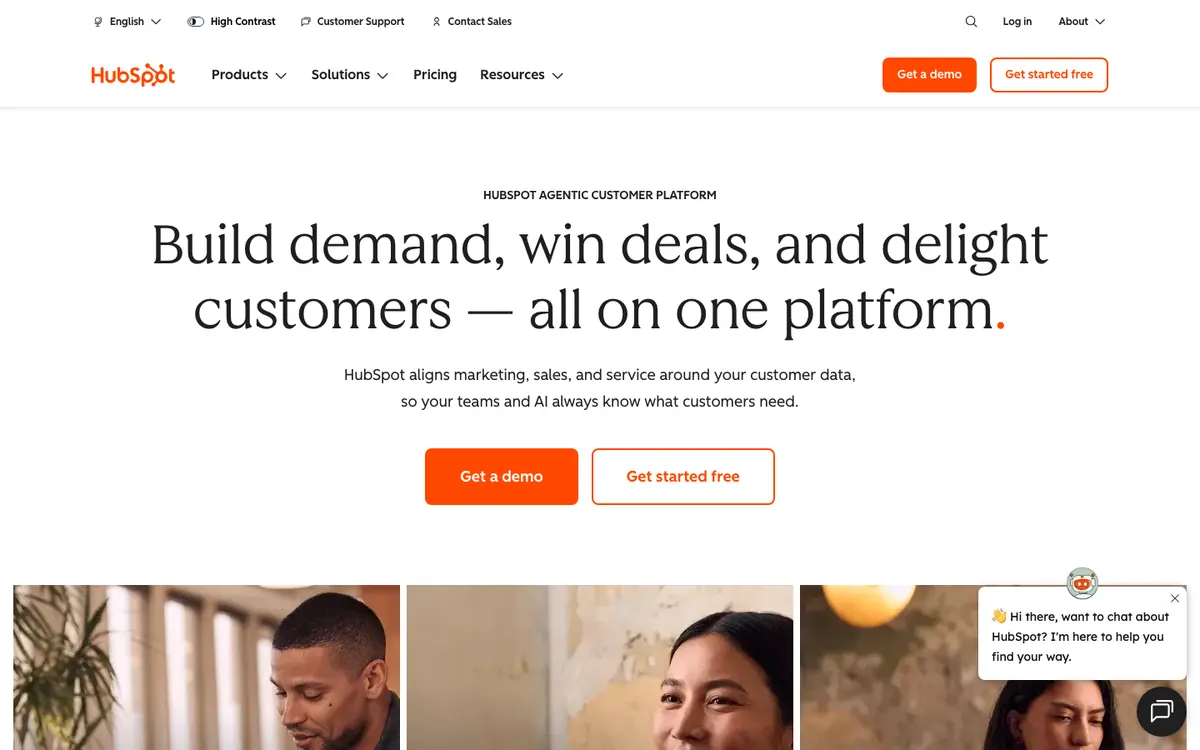
Customer Agent answers from your knowledge base, website, CRM data and past conversations, qualifies leads and hands off with the full history.
Because it lives inside HubSpot, every conversation lands on the right contact record. The free chatbot builder also has a Meetings bot that shares a booking link.
It's $0.50 per resolved conversation, but you need Service Hub Professional ($90 a seat, plus $1,500 onboarding) or Enterprise first.
What we like
Full CRM context in every reply
Free Meetings bot for simple booking
Low price per resolution
Watch out for
Needs a Professional or Enterprise seat
Credits are shared with other HubSpot AI agents
Little reason to use it outside HubSpot
Bottom line: An easy yes if you already pay for Service Hub Professional, and a hard one to justify if you don't.
4
Landbot
Best for: marketing teams running qualification flows on the website and WhatsApp
Starting price
€40 a month
Free plan
Yes, 100 chats, no AI
Channels
Website, WhatsApp
G2 rating
4.7 out of 5 (334 reviews)
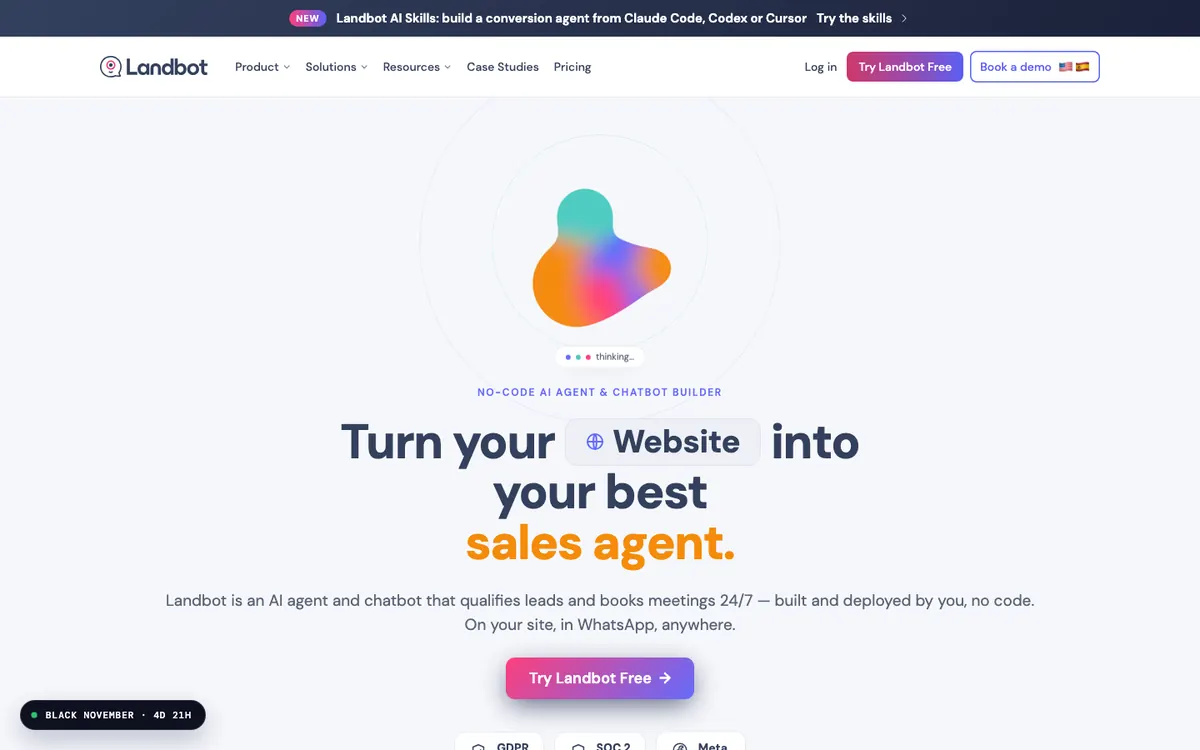
Landbot is a no-code builder for lead qualification flows. You describe the flow in plain language and its AI copilot drafts it.
Answers come from your knowledge base, a native Calendly block books meetings on Professional and Business, and hand-off to a person keeps the context.
Starter is €40 a month, Professional €100 and the WhatsApp plan €160.
What we like
Friendly visual builder
Website and WhatsApp
Native HubSpot and Salesforce
Watch out for
Booking only on Professional and up
WhatsApp and AI chats add up
You design and maintain the flows
Bottom line: Good for a marketer who likes building flows and wants WhatsApp in the mix without a developer.
Best website chatbots for customer support
5
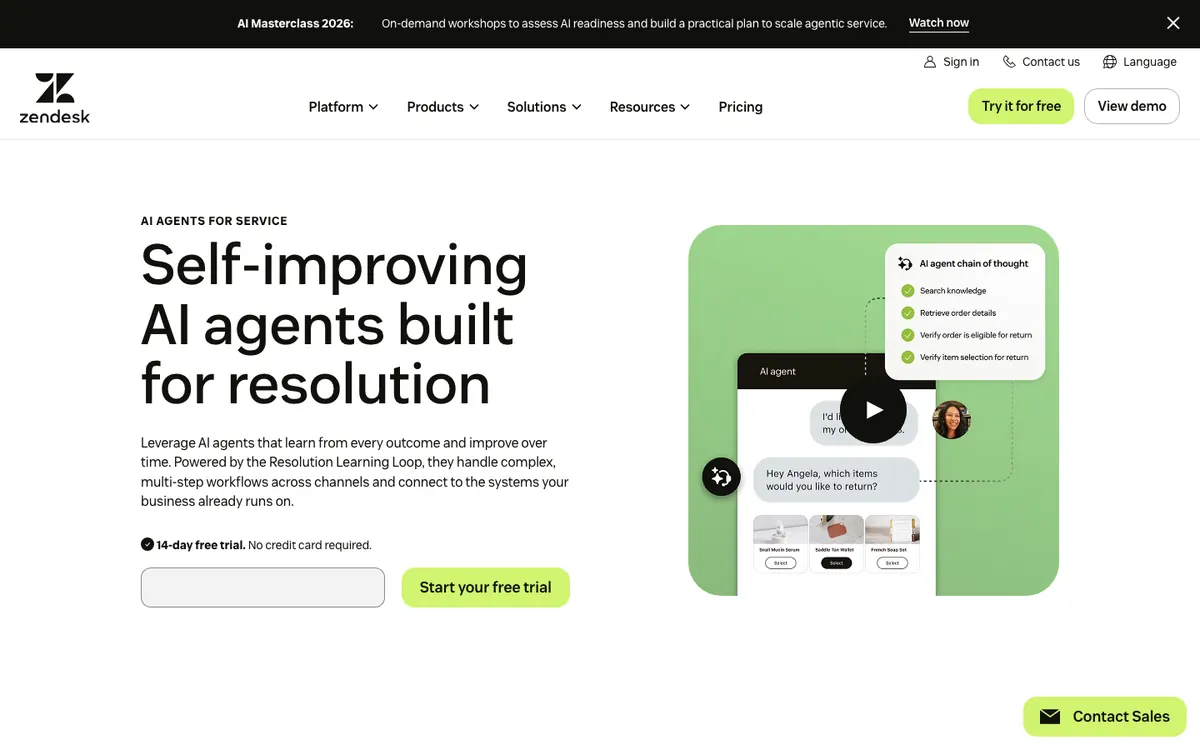
Zendesk AI agents
Best for: support teams already on Zendesk
Starting price
$19 an agent plus $2 per resolution
Free trial
14 days
Channels
Web, mobile, social, voice, email
G2 rating
4.3 out of 5 (7,114 reviews)
Zendesk's AI agents resolve tickets from your help center and other sources in 80 languages, follow multi-step procedures and route what they can't solve to a person with the context attached. Some of the technology now comes from Forethought.
Plans run $19 to $115 an agent a month billed annually. Each plan includes 5 to 10 automated resolutions per agent, then you pay $2 apiece.
What we like
Mature helpdesk and routing
80 languages
Built-in QA
Watch out for
Seat and resolution costs stack up
No native meeting booking
Reaching high automation takes weeks of setup
Bottom line: The obvious choice for a team that already lives in Zendesk, and the wrong one if you want sales meetings.
6
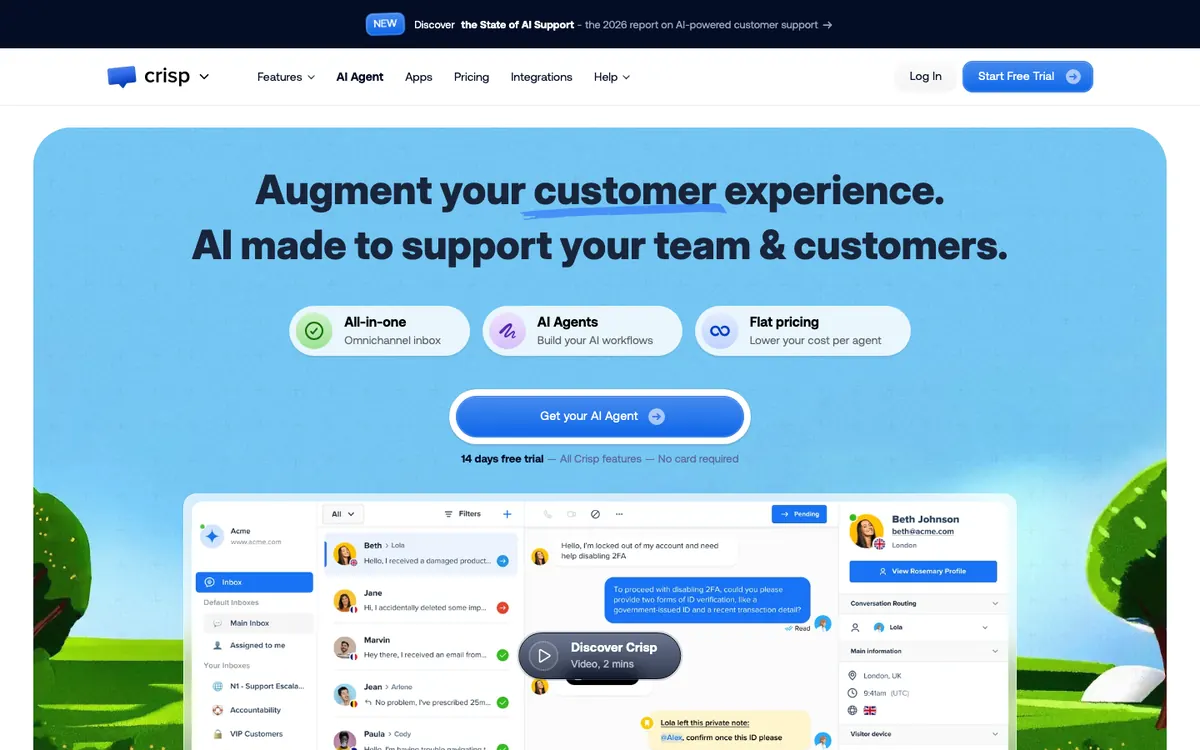
Crisp (Hugo)
Best for: small SaaS and ecommerce teams that want flat team pricing
Starting price
$45 a month
Free plan
Yes, without AI
Channels
Web, WhatsApp, Messenger, Instagram, email
G2 rating
4.5 out of 5 (205 reviews)
Hugo crawls your website, replies in the customer's language and hands off with context, all inside an inbox that covers chat, email and social. You pay per workspace instead of per seat, so the bill doesn't jump every time you hire.
Mini is $45 a month and Essentials $95, each with a small AI credit.
What we like
Flat per-workspace pricing
Clean shared inbox across channels
Learns from your website
Watch out for
AI stops when the credit runs out unless you allow overage
Meeting booking not confirmed
Big price jump to the Plus plan
Bottom line: A sensible support inbox for a small team that hates per-seat pricing.
Best budget and do-it-yourself website chatbots
7
Chatbase
Best for: small teams that want a bot trained on their site at a flat monthly price
Starting price
$40 a month
Free trial
7 days
Channels
Website, WhatsApp, email, Slack, voice
G2 rating
4.8 out of 5 (46 reviews)
Give Chatbase your homepage or sitemap and it builds an agent from your content in a few minutes. Actions let it collect leads and book through Cal.com or Calendly, and it answers in 95+ languages.
Hobby is $40 a month for 700 message credits, Basic $150 and Business $500. Removing the Chatbase branding costs $1,188 a year.
What we like
Set up from a URL in minutes
Lead capture and booking actions
Choice of AI models
Watch out for
Premium models burn credits faster
Paid add-ons for branding and extra agents
Pricing has changed several times
Bottom line: The quickest way to get a decent bot answering from your site for under $50 a month.
8
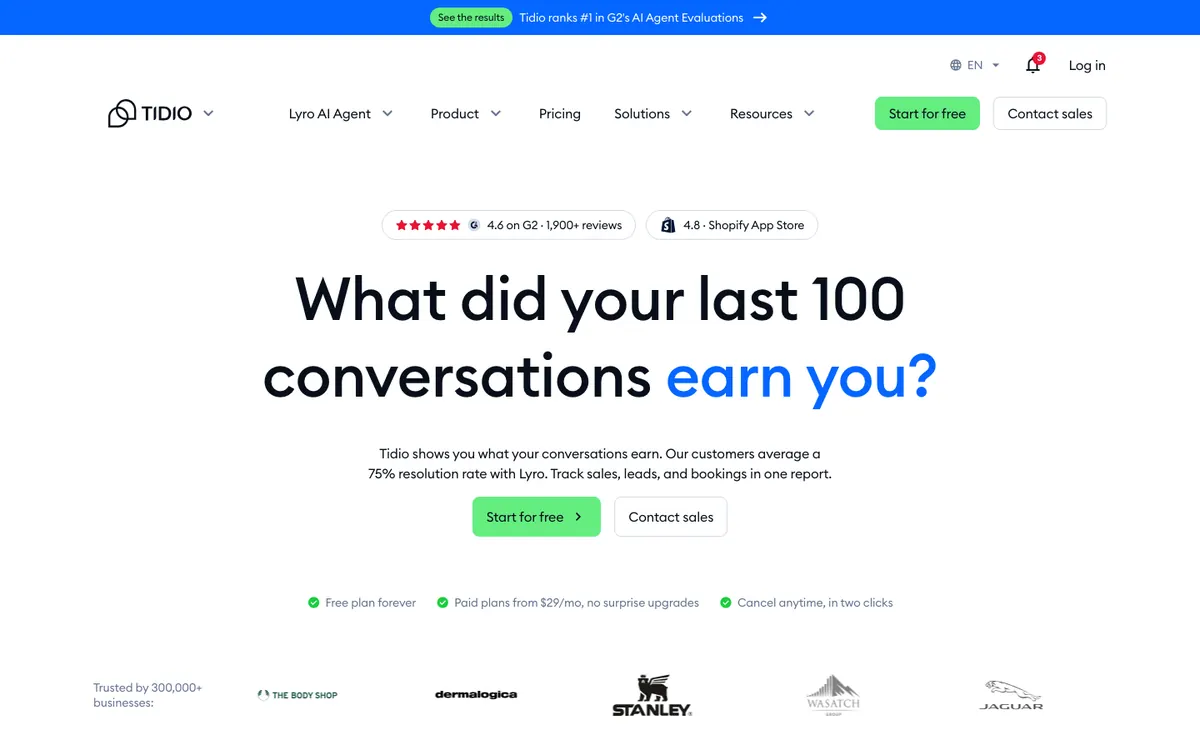
Tidio (Lyro)
Best for: small businesses and online stores that want cheap live chat with an AI add-on
Starting price
$29 a month plus Lyro
Free plan
Yes, plus a 7-day trial on paid plans
Channels
Website, Messenger, Instagram, WhatsApp
G2 rating
4.6 out of 5 (1,992 reviews)
Lyro reads your support content and answers only from it. You set the hand-off rules for your team, and a Calendly action sends a booking link.
Starter is about $29 a month. Lyro is billed on top, from $39 a month ($32.50 on annual) for 50 AI conversations.
What we like
Free plan and easy setup
Answers only from your content
Large review base
Watch out for
Several separate meters to pay for
Lyro pauses when its quota runs out
Gets expensive as volume grows
Bottom line: Fine for a small shop testing AI chat, but watch the meters once traffic picks up.
9
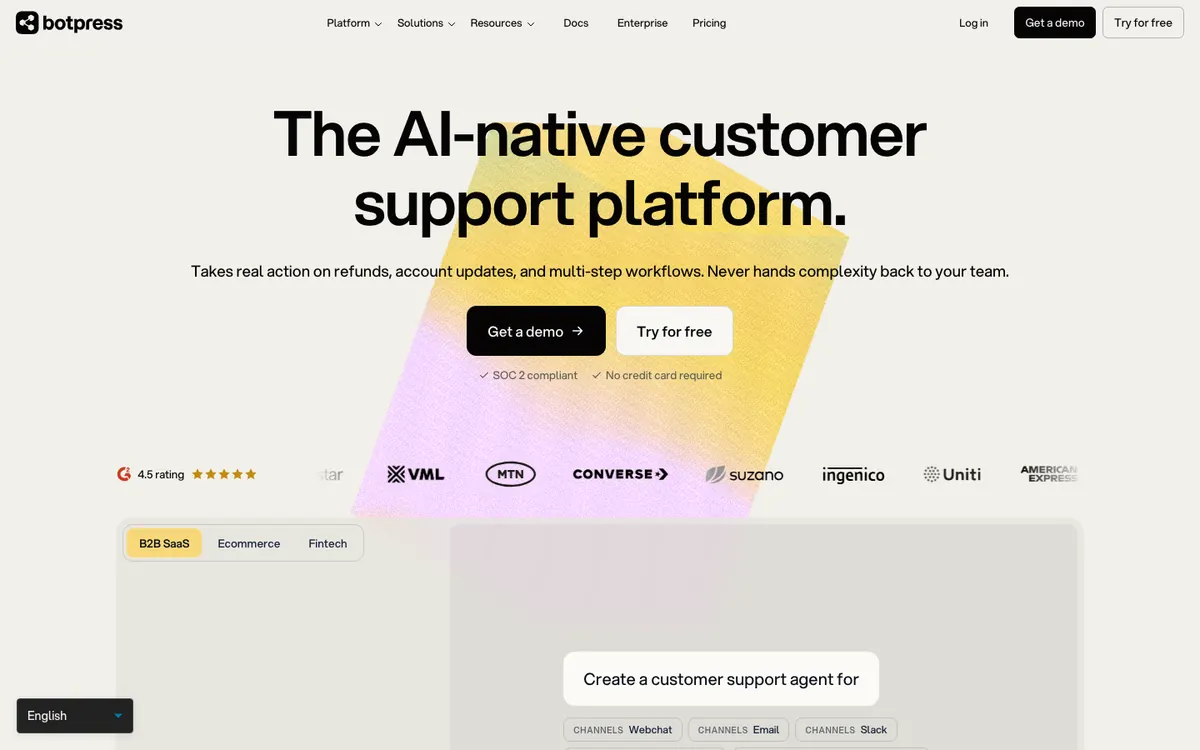
Botpress
Best for: technical teams and agencies building custom agents
Starting price
$150 a month, annual
Free plan
Yes, 100 conversations a month
Channels
Web, WhatsApp, Messenger, Instagram, Slack, voice
G2 rating
4.5 out of 5 (515 reviews)
Botpress is a platform for building your own agent. You get a visual studio, knowledge bases that can import a whole website, tables and 100+ integrations, Calendly among them. You can build nearly anything, as long as someone technical is doing the building.
Plus is $150 a month billed annually and Team is $750.
What we like
Very flexible
Generous free tier
Lots of channels
Watch out for
Steep learning curve
Human hand-off needs Plus or higher
AI usage costs are hard to predict
Bottom line: Great if you have a developer and a specific idea. Skip it if you want something working by Friday.
10
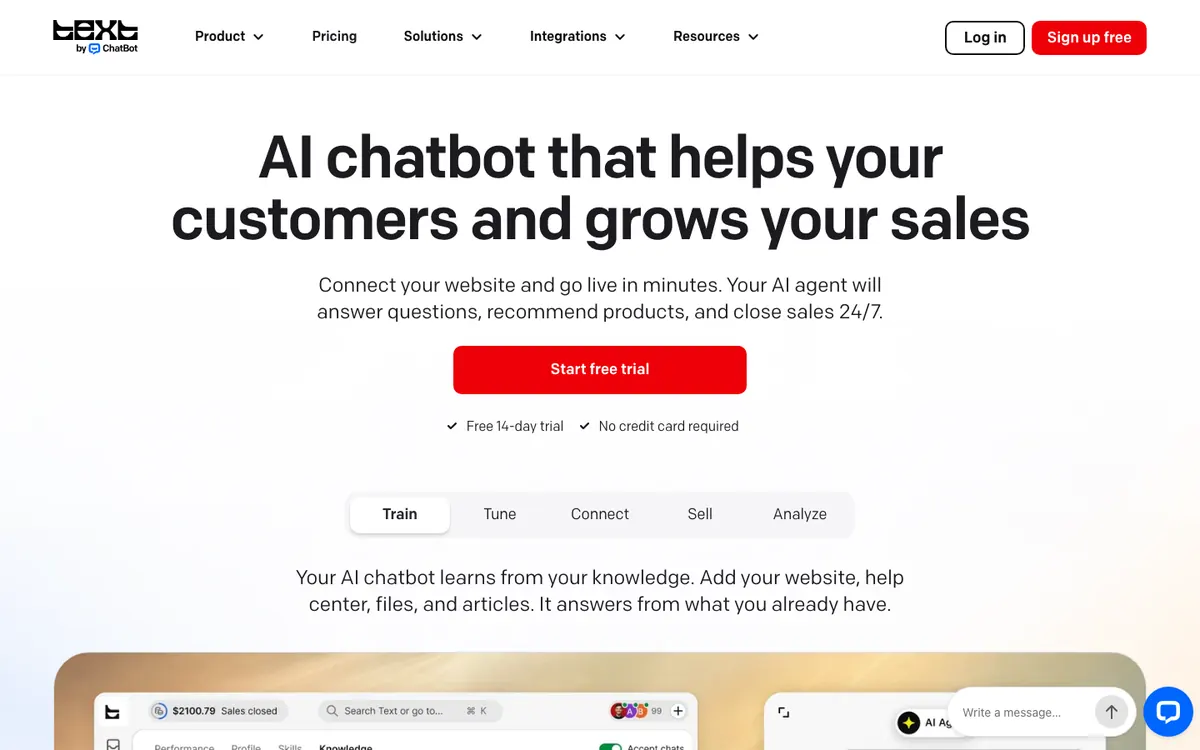
ChatBot.com
Best for: ecommerce teams already using LiveChat
Starting price
$19 a user, annual
Free trial
14 days
Channels
Website, email, Messenger, WhatsApp, SMS
G2 rating
4.4 out of 5 (31 reviews)
ChatBot builds a knowledge base from your URL in minutes, recommends products and passes people to LiveChat when they need a human. It's made by Text, the company that used to be called LiveChat, and works in 48 languages.
Essential is $19 a user a month billed yearly, with 10 AI resolutions included. Growth is $79 with 200.
What we like
Good ecommerce and Shopify features
Clean hand-off to LiveChat
Low entry price
Watch out for
Only 10 AI resolutions on the entry plan
No native meeting booking
Small review base
Bottom line: Makes the most sense if your team already answers chats in LiveChat.
11
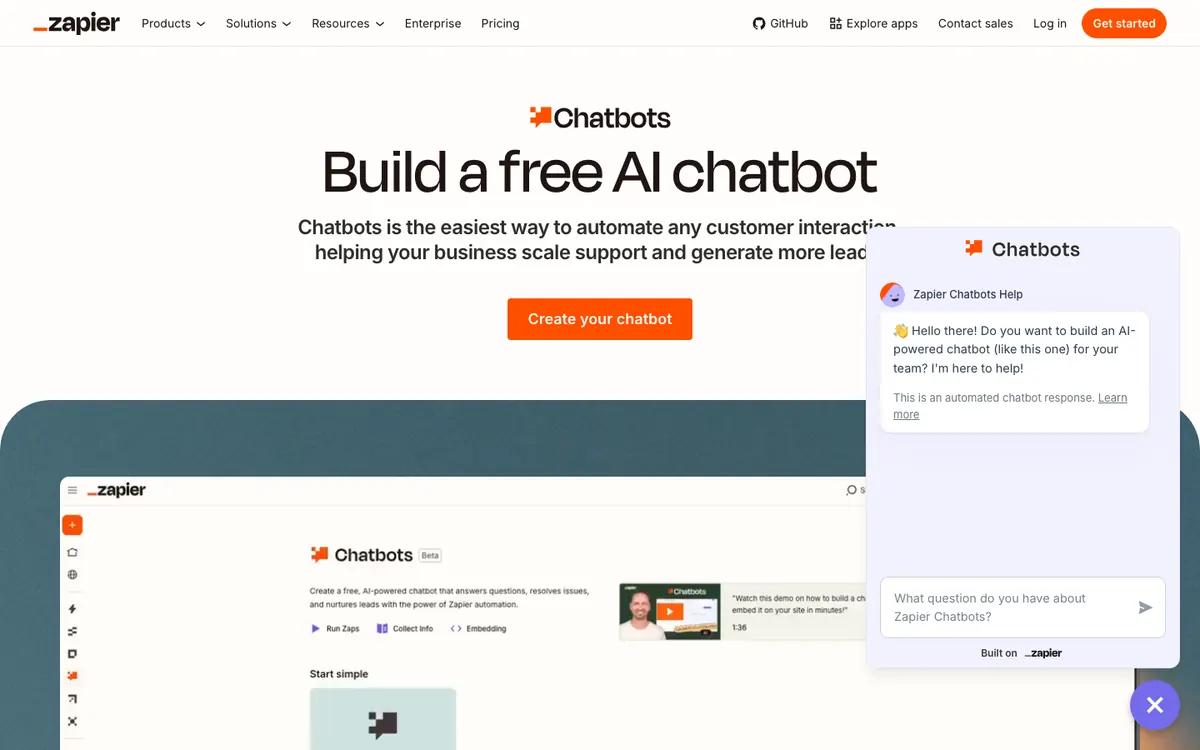
Zapier Chatbots
Best for: solo operators who want a cheap lead-capture bot wired into their Zaps
Starting price
$13.33 a month, annual
Free plan
Yes, two bots on a public link
Channels
Website embed, public link
G2 rating
No separate listing
Zapier Chatbots answers from the FAQs, documents and links you give it, collects leads and can kick off any of Zapier's 8,000+ app connections.
The free plan gets you two bots on a public link only. Pro, at $160 a year, lets you embed the bot on your site and collect leads.
What we like
The cheapest paid option here
Every chat can trigger an automation
Watch out for
Small knowledge limits
No native human hand-off
Embedding and lead capture are paid
Bottom line: A cheap, handy lead catcher for a one-person business that already runs on Zapier.
How to choose a website chatbot for your team
Most teams can narrow the list to two or three tools by answering one question: who owns the chatbot after launch?
If this is youSales or growth team that wants more meetings
The best AI chatbot for a website depends on the job. For turning visitors into booked meetings, pick Flowxperia, which adds a live video agent and follow-up on WhatsApp, Instagram and SMS.
For customer support, pick Intercom Fin. On HubSpot, use HubSpot's Customer Agent. On a tight budget, try Chatbase or Tidio.
A website AI chatbot costs anywhere from about $13 a month to several thousand. Zapier Chatbots starts at $13.33 a month, Chatbase at $40, Botpress at $150 and Flowxperia at $797. Support tools like Fin and Zendesk charge per seat plus $0.99 to $2 per resolved conversation.
Yes. Tidio, Botpress and Landbot have free plans, and HubSpot offers free chatbots. Free tiers come with tight limits and often little or no AI. Flowxperia has a free trial instead: 20 minutes with the website agent and 7 days on WhatsApp and Instagram.
Yes. Of the 11 tools here, Flowxperia is the only one with a live video agent that talks to visitors by voice or text. Pre-built presenters come with every plan, and on Scale you can add up to three custom avatars of people on your team.
Yes. Flowxperia books meetings directly, Fin through Calendly and Chili Piper, Chatbase through Cal.com and Calendly, Landbot through a Calendly block and HubSpot through its free Meetings bot.
AI chatbots learn about your business by reading your website or the documents you upload, then answering from that content. Flowxperia, Chatbase, Crisp, Tidio and Botpress all learn from your site, and you can review and correct their answers.
Yes, most do, but check the specific CRM. Flowxperia connects to HubSpot, Salesforce, Zoho, Pipedrive, Dynamics 365 and Zendesk. HubSpot Customer Agent works only inside HubSpot, and Landbot connects natively to HubSpot and Salesforce.
A traditional chatbot follows scripted flows. An AI agent understands free-form questions, answers from your content and takes actions, like qualifying a lead or booking a meeting. Most tools on this list now work as AI agents.
A website agent that books the meeting
A live video agent on your site, with follow-up on WhatsApp, Instagram and SMS. Live in about 48 hours.






 Harsh Shah
