The best live chat software depends on who answers the chat. For free chat, tawk.to and HubSpot are the easiest starts. For a paid team inbox, LiveChat, Crisp and Tidio lead. For support suites, Zendesk and Intercom. This page compares 10 tools on price, free plans, AI replies and lead capture.
Every price below comes from the vendor's own pricing page, read on 9 November 2026. Flowxperia is our product and is marked as ours.
Quick TL;DR
Best free live chattawk.to is free for life with no per-seat fee. HubSpot is free for up to 2 users.
Best paid chat inboxLiveChat from $19 per user a month, or Crisp with flat workspace pricing from $45 a month.
Best for support teamsZendesk and Intercom, which add ticketing and AI agents billed per resolution or outcome.
Best for booked meetingsFlowxperia (ours), an AI agent that talks to visitors and books the call, from $797 a month.
Live chat software at a glance
Tool
Best for
Starting price
Free plan or trial
AI agent
LiveChat
Paid chat inbox
$19 per user a month
14-day trial
AI Agent included, metered
Tidio
Small shops
Free, paid from $29 a month
Free plan
Lyro add-on
Intercom
Support teams
$0.99 per outcome plus seats
14-day trial
Fin AI Agent
Zendesk
Large support teams
$19 per agent (chat from $55)
14-day trial
AI agents, per resolution
HubSpot Live Chat
HubSpot users
Free
Free for up to 2 users
Free chatbot builder
Crisp
Flat team pricing
Free, then $45 per workspace
Free plan, 14-day trial
Hugo, on AI credits
tawk.to
Free chat
Free
Free for life
AI Assist from $29 a month
Freshchat
Several free seats
Free for up to 10 agents
Free plan, 14-day trial
Freddy AI Agent
Zoho SalesIQ
Visitor tracking
Free for 3 operators
Free plan, 15-day trial
Zia Agents on paid plans
Flowxperia (ours)
AI that books meetings
$797 a month
Free trial
The agent is the product
Prices are the entry price on each vendor's pricing page on 9 November 2026. Several vendors showed us rupee prices, so those are noted in the reviews.
How we chose these tools
We picked widely used live chat tools that cover a range of budgets, from free to full support suites. Flowxperia is included because it answers the same visitors, with a different approach.
For each tool we read the pricing page and homepage on 9 November 2026 and recorded the entry price, any free plan or trial, and what it says about AI. We did not load-test any of them.
Price. The cheapest paid plan and how the bill grows.
Free plan. Whether you can run real chats before paying.
AI replies. Whether an AI agent is included or an add-on.
Lead capture. Whether chats can qualify leads and book meetings.
10 live chat tools reviewed
1
LiveChat
Best for: small and mid-size teams that want a dedicated paid chat inbox with AI help
Starting price
$19 per user a month, billed annually
Free trial
14 days, no credit card
Next plan up
$79 per user a month (Growth)
AI resolutions
10 a month on Essential, 200 on Growth
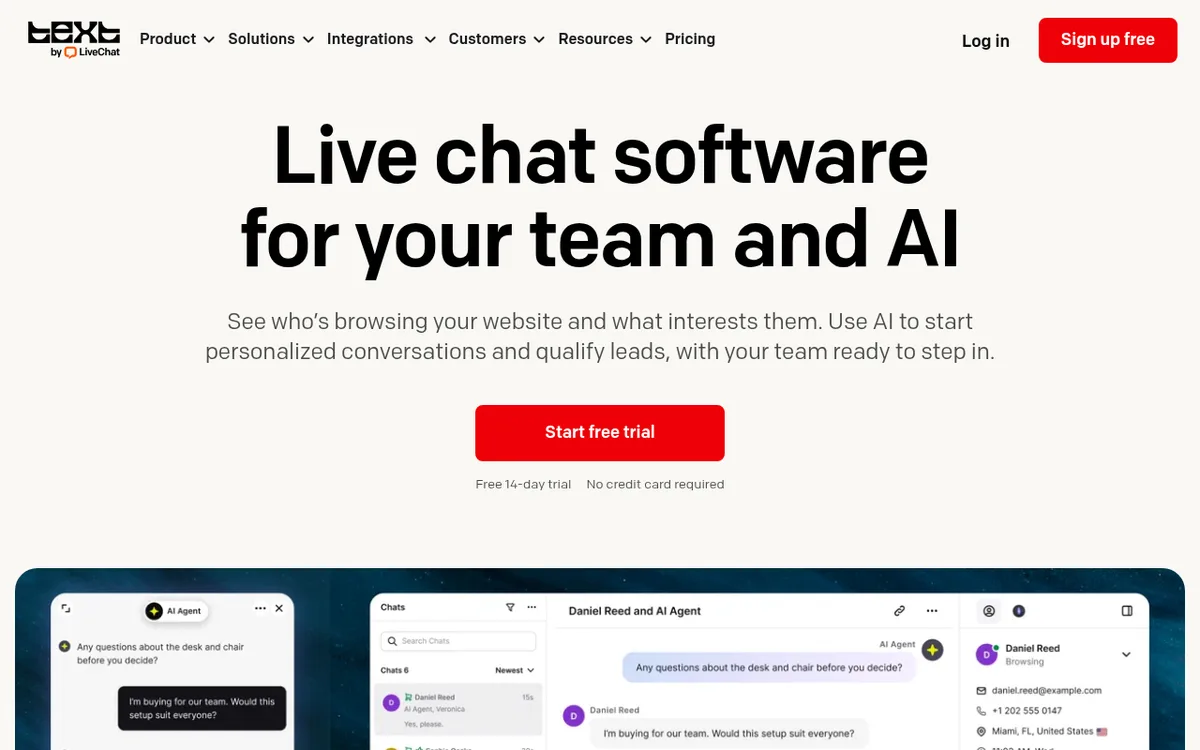
LiveChat is a dedicated chat product built around the agent inbox. Visitors chat from a website widget and your team answers from one inbox with ticketing and workflow automation.
Its pricing page presents the product as Text, from the team behind LiveChat.com, HelpDesk.com and ChatBot.com. Essential is $19 per user a month billed annually and includes three proactive campaigns and one AI Agent.
Growth is $79 per user a month. It adds chat supervision and takeover, 400 tracked live visitors and ten AI Agents. AI is metered: Essential includes 10 resolutions a month, Growth 200, and a pack of 50 extra costs $49.50.
What we like
Focused chat inbox with ticketing included
Proactive campaigns and live visitor tracking
An AI Agent comes with every paid plan
Watch out for
Priced per user, so the bill grows with your team
AI resolutions are capped each month
Growth costs $79 per user, a big step up from $19
Bottom line: Pick it if people will answer most chats and you want a clean paid inbox with AI help on top.
2
Tidio
Best for: small shops and small businesses that want to start free and add AI replies later
Free plan
50 billable conversations a month
Paid plans
From $29 a month
Free trial
7 days on paid plans
AI agent
Lyro, from $32.50 a month
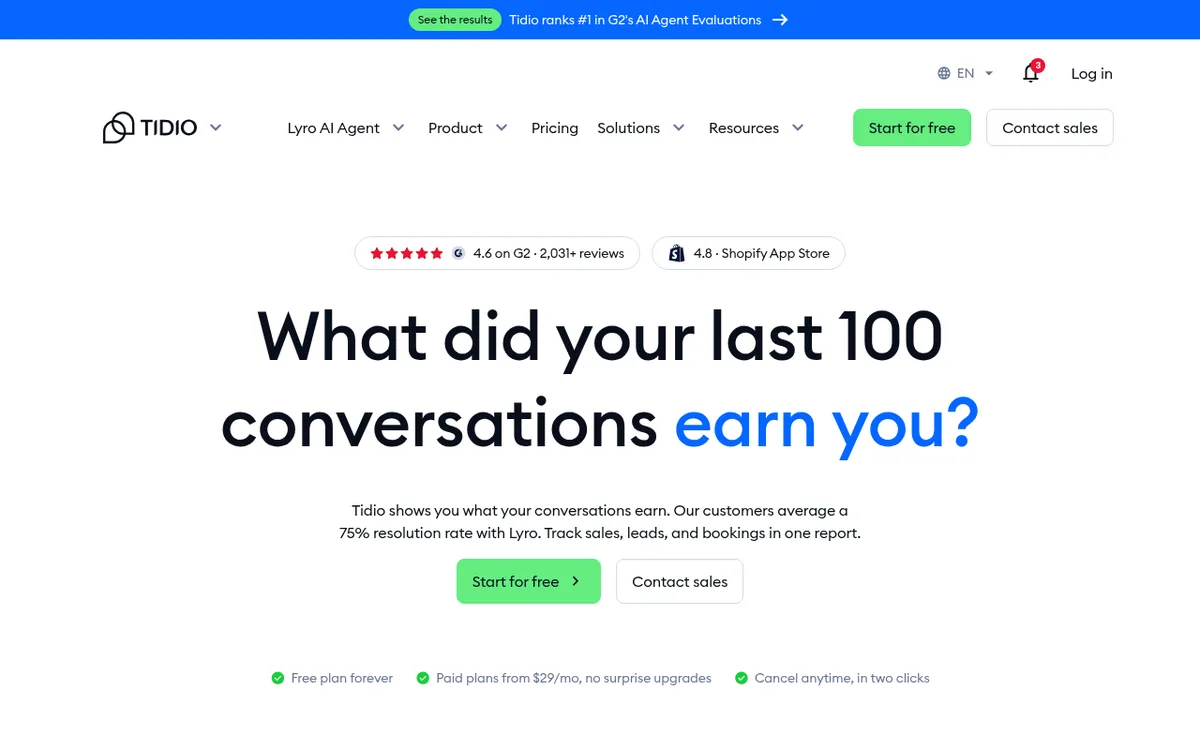
Tidio combines live chat, a shared inbox and automation in one tool. The free plan covers 50 billable conversations a month and the Starter plan covers 100.
Growth starts at $49.17 a month billed annually. Plus starts at $300 a month plus usage and adds premium support, departments and custom branding.
The Lyro AI Agent is a separate add-on from $32.50 a month for 50 AI conversations. Tidio says its customers average a 75% resolution rate with Lyro, which is the company's own figure.
What we like
A real free plan to start on
Flows add proactive chat triggers, with 100 visitors reached free
AI agent can be added when you need it
Watch out for
Pricing follows conversation counts, which is harder to forecast
Lyro AI is an extra cost on top of the plan
Plus jumps to $300 a month
Bottom line: Start here if you want free live chat that can grow into AI replies later.
3
Intercom
Best for: support teams that want a helpdesk with a built-in AI agent
Fin AI Agent
$0.99 per outcome
Helpdesk
Priced per seat a month
Free trial
14 days, no credit card
Live chat
Messenger on every helpdesk plan
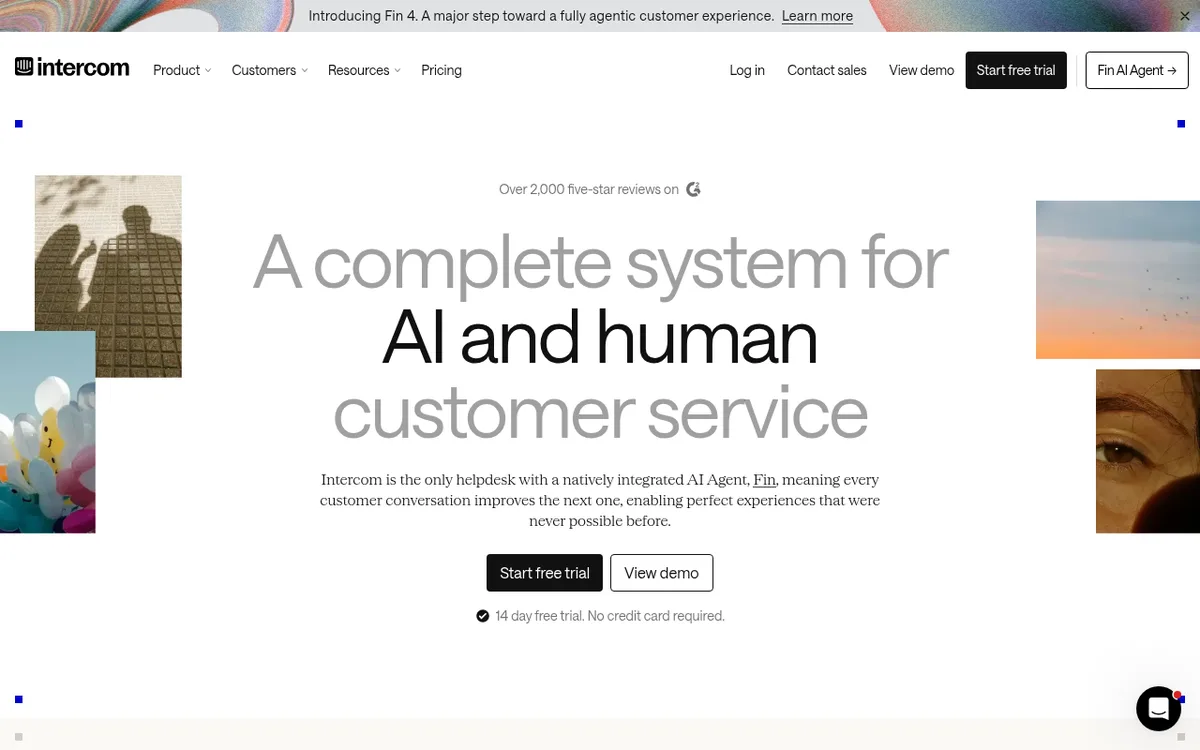
Intercom is a helpdesk with Messenger live chat, a shared inbox, ticketing and a public help center. Its AI Agent, Fin, is built in.
Intercom says Fin averages a 76% resolution rate across 12,000+ customers. That is the company's own figure, so test it on your questions before you buy.
Fin costs $0.99 per outcome on every helpdesk plan, and you also pay per seat each month. Intercom says Fin can also run on top of another helpdesk such as Salesforce, HubSpot or Freshdesk.
What we like
AI agent is built into the helpdesk
Works with other helpdesks if you do not want to switch
Advanced adds a workflow builder and 20 free Lite seats
Watch out for
Per-seat plus per-outcome billing is harder to forecast
No free plan on the pricing page
More helpdesk than a small site needs for simple chat
Bottom line: A strong fit for a support team that wants AI to resolve chats. For a small site, it is more than you need.
4
Zendesk
Best for: larger support teams that want ticketing, live chat and AI in one suite
Support Team
$19 per agent a month, paid yearly
Live chat from
$55 per agent a month (Suite Team)
Suite Professional
$115 per agent a month
Free trial
14 days, no credit card
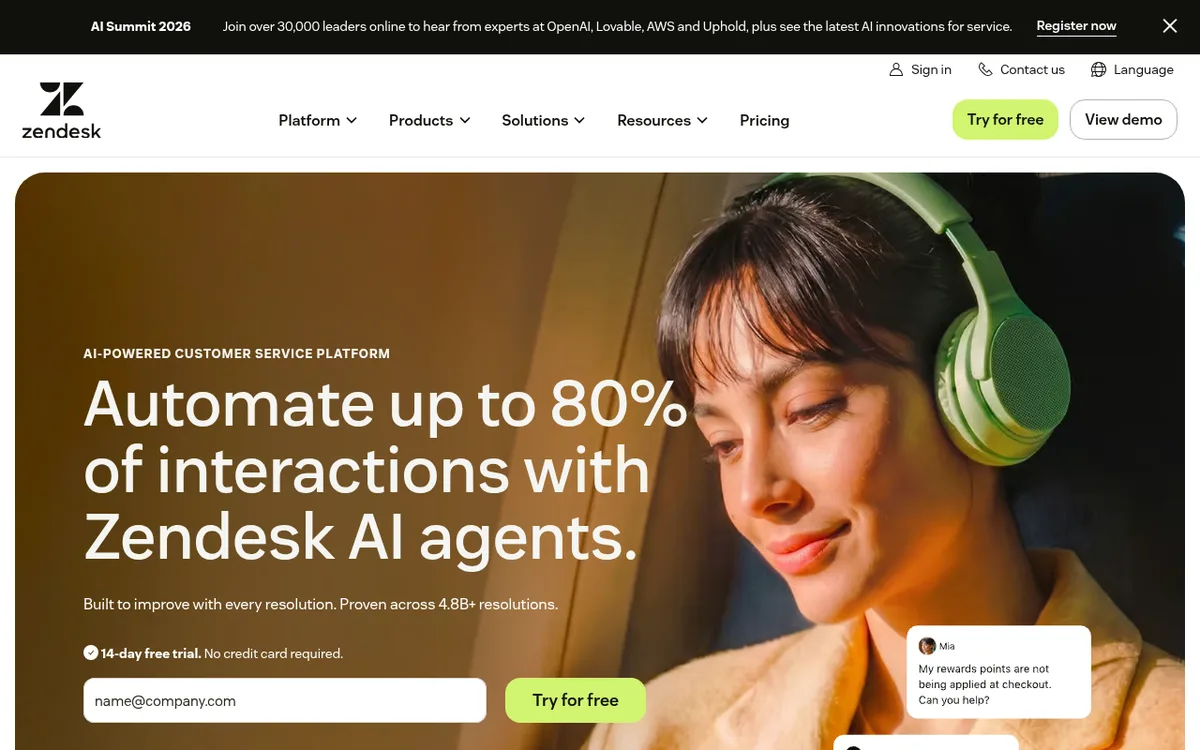
Zendesk Support Team is $19 per agent a month paid yearly and covers email and ticketing. Messaging and live chat come with Suite Team at $55 per agent a month.
Suite Team also adds AI agents, a knowledge base and omnichannel routing. Suite Professional is $115 per agent a month and adds skills-based routing and an IVR phone menu.
Zendesk says AI agents are included in every Suite and Support plan, with pricing based on automated resolutions. Usage features such as Action Builder and Voice bill on top of plan allowances.
What we like
A full support suite with chat, tickets and a knowledge base
Plans scale up to large teams
Startups can get a 6-month Suite trial for up to 50 agents
Watch out for
Live chat only starts on the $55 Suite Team plan
Cost grows per agent and per automated resolution
Heavy if you only want a chat widget
Bottom line: Pick it if chat is one channel in a bigger support operation.
5
HubSpot Live Chat
Best for: teams that already use HubSpot, or anyone who wants free live chat inside a CRM
Starting price
Free
Free for
Up to 2 users
Chatbots
Free chatbot builder
Branding
Removed on paid plans
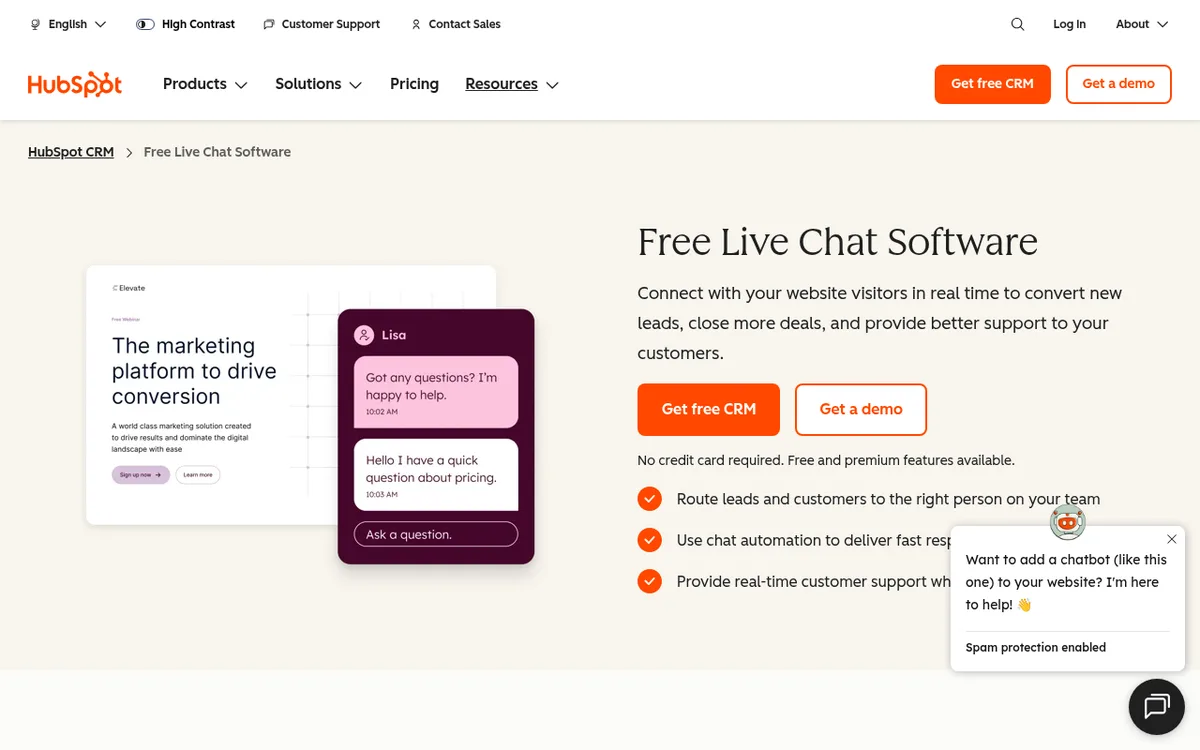
HubSpot's live chat is free and sits inside its CRM, so chats can connect to contacts and deals. Its page describes routing chats to the right person, chat automation and a chatbot builder you can start using for free.
Those bots can qualify leads, book meetings and answer common questions. The free tools are free for up to 2 users, and paid Service Hub plans remove HubSpot branding from live chat.
HubSpot showed us seat prices in rupees because of our location, so check the US price on its pricing page before you plan a budget.
What we like
Free live chat with a free chatbot builder
Chats live next to your CRM records
Bots can qualify leads and book meetings
Watch out for
HubSpot branding stays on the free widget
Free tools are limited to 2 users
Makes most sense if you already run HubSpot
Bottom line: The easiest yes if HubSpot is already your CRM. If it is not, look at the standalone tools first.
6
Crisp
Best for: small companies that want a flat workspace price instead of paying per seat
Free plan
Free forever, 2 seats
Mini
$45 a month per workspace
Essentials
$95 a month per workspace
Free trial
14 days, all features
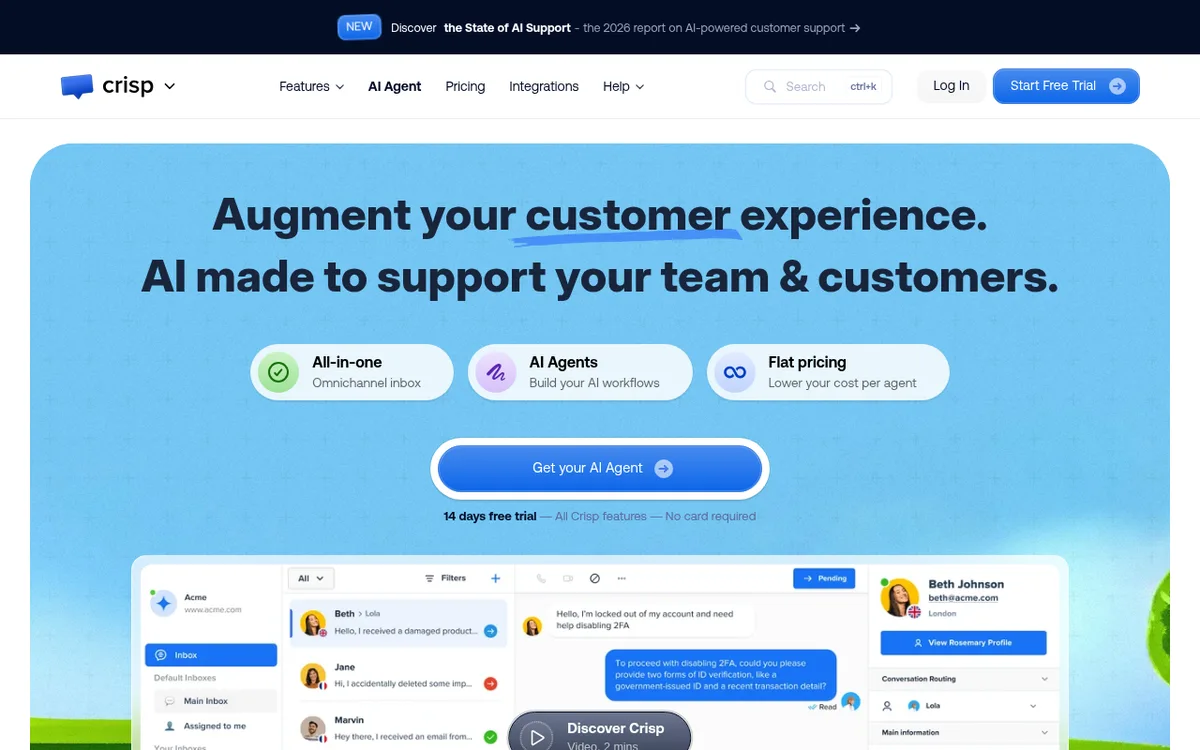
Crisp charges a flat rate per workspace, not per seat. The free plan includes a website chat widget and 2 seats. Mini is $45 a month with 4 seats, and Essentials is $95 a month with 10 seats.
Plus is $295 a month with 20 or more seats, a ticketing system and white labelling. Crisp says the price stays the same however many conversations you have.
Hugo, Crisp's AI agent, runs on AI credits. Mini includes $5 of credits, Essentials $25 and Plus $75, and the free plan includes none.
What we like
Free forever plan with a chat widget
Flat price per workspace, with seats included
Every new account tries all features for 14 days
Watch out for
AI use draws on credits
The omnichannel inbox and chatbot start at Essentials ($95)
Ticketing only comes with Plus
Bottom line: A good middle path when per-seat pricing hurts and you still want a proper inbox.
7
tawk.to
Best for: small sites that want free live chat with no seat fees
Starting price
Free
Remove branding
$29 a month
AI Assist
From $29 a month
Hired chat agents
$1 an hour
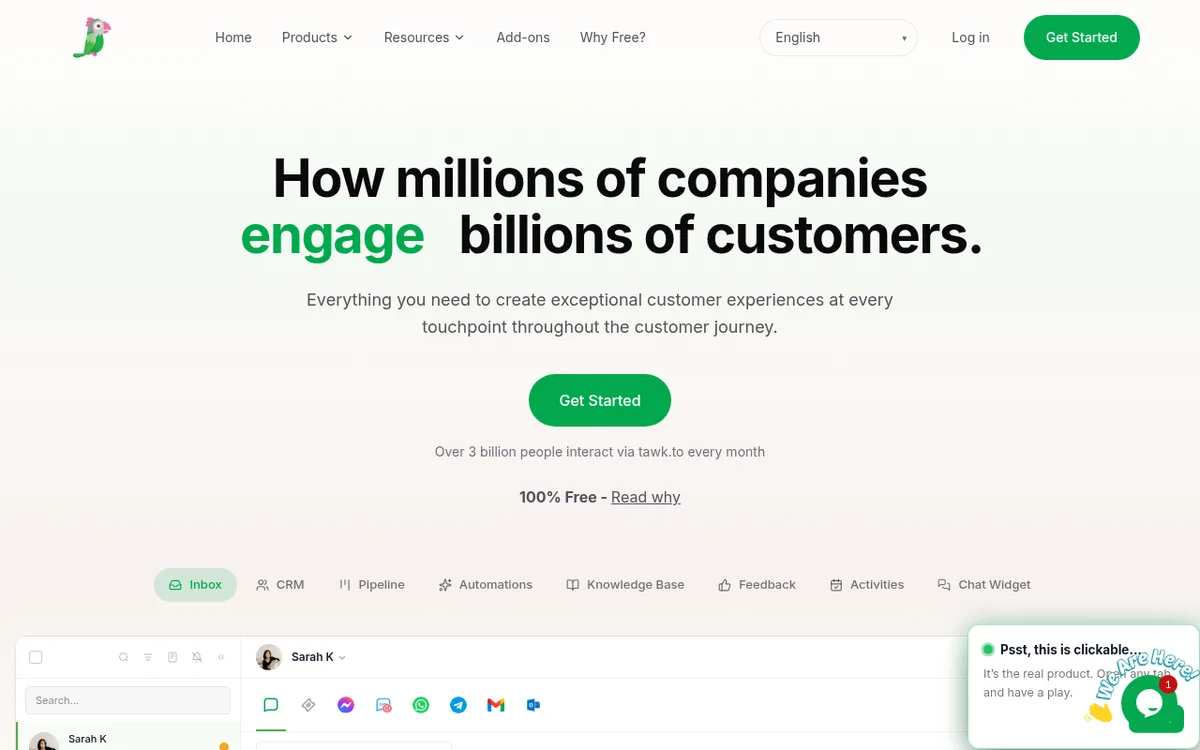
tawk.to says its live chat software is free for life and does not charge per seat. Removing the "Powered by tawk.to" branding costs $29 a month.
Its AI Assist chatbot answers from your knowledge base and starts at $29 a month, with a forever-free plan for sites with limited chat volume.
tawk.to also sells hired live chat agents who answer chats on your behalf for $1 an hour, which suits owners who cannot staff the chat themselves.
What we like
Free live chat with no per-seat charge
Optional hired agents at $1 an hour
Knowledge base and ticketing are part of the product
Watch out for
Branding stays on the free widget
AI Assist is paid beyond its small free tier
Broader than a simple chat widget, which can feel like extra to learn
Bottom line: The cheapest way to get a working chat widget live today.
8
Freshchat
Best for: teams that already use Freshworks products or want a free plan with several agents
Free plan
Up to 10 agents
Growth plan
₹1,499 per agent a month, billed annually
Free trial
14 days with Enterprise features
AI agent
Freddy, ₹4,299 per 100 sessions on Growth
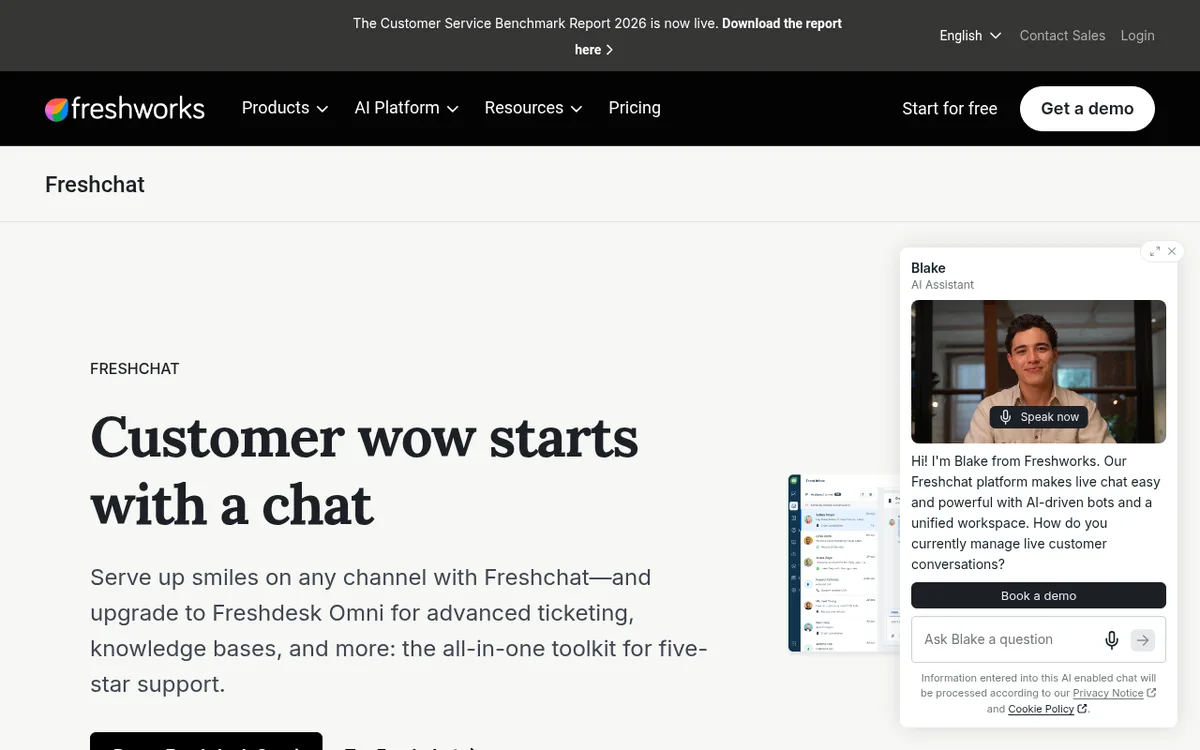
Freshchat's free plan covers up to 10 agents and includes a chat widget for web and mobile apps, a shared inbox, email and roles and permissions.
Growth adds social media messengers, reporting and the Freddy AI Agent, which is priced per 100 sessions. Pro adds multilingual conversations and intelligent routing.
Freshworks showed us rupee prices because of our location, so check the US dollar price on its pricing page. The figures here are the rupee prices we saw.
What we like
Free plan with up to 10 agents
Free plan includes roles and permissions
14-day trial gives you Enterprise features
Watch out for
AI is priced per 100 sessions on top of the plan
Reporting and dashboards start on Growth
Paid plans are priced per agent
Bottom line: Worth a look if you want several free seats or you already run Freshdesk.
9
Zoho SalesIQ
Best for: teams that want visitor tracking and lead scoring alongside live chat
Free plan
3 operators, 100 chat sessions
Basic
₹350 per operator a month, billed annually
Free trial
15 days, no credit card
Visitor insights
10K visitors a month on free
Zoho describes SalesIQ as live chat software built for growth, with visitor tracking and bots. The free plan includes 3 operator licenses, 100 operator chat sessions and insights for 10K visitors a month.
Basic adds lead and company scoring, web proactive chat, video calls and one chatbot. Professional adds 5 chatbots and unlimited operator chat sessions. Enterprise adds the Answer Bot and 10 chatbots.
Zoho showed us rupee prices because of our location: Basic is ₹350, Professional ₹750 and Enterprise ₹1,200 per operator a month, billed annually. Check the US dollar price on its pricing page.
What we like
Free plan with 3 operators
Lead and company scoring on paid plans
Mobile app on every plan
Watch out for
Chatbots and AI features sit on higher plans
Visitor tracking beyond the plan limit costs extra
Prices we saw were in rupees, so budgeting takes a check
Bottom line: A fit when you care about who is on your site, not only what they type.
10
Flowxperia (our product)
Best for: B2B and service sites that want an AI agent that talks to visitors and books meetings
Starting price
$797 a month (Basic)
Free trial
20 minutes on the website, 7 days on WhatsApp and Instagram
Seats and sessions
Unlimited on every plan
Setup
Live in 48 hours
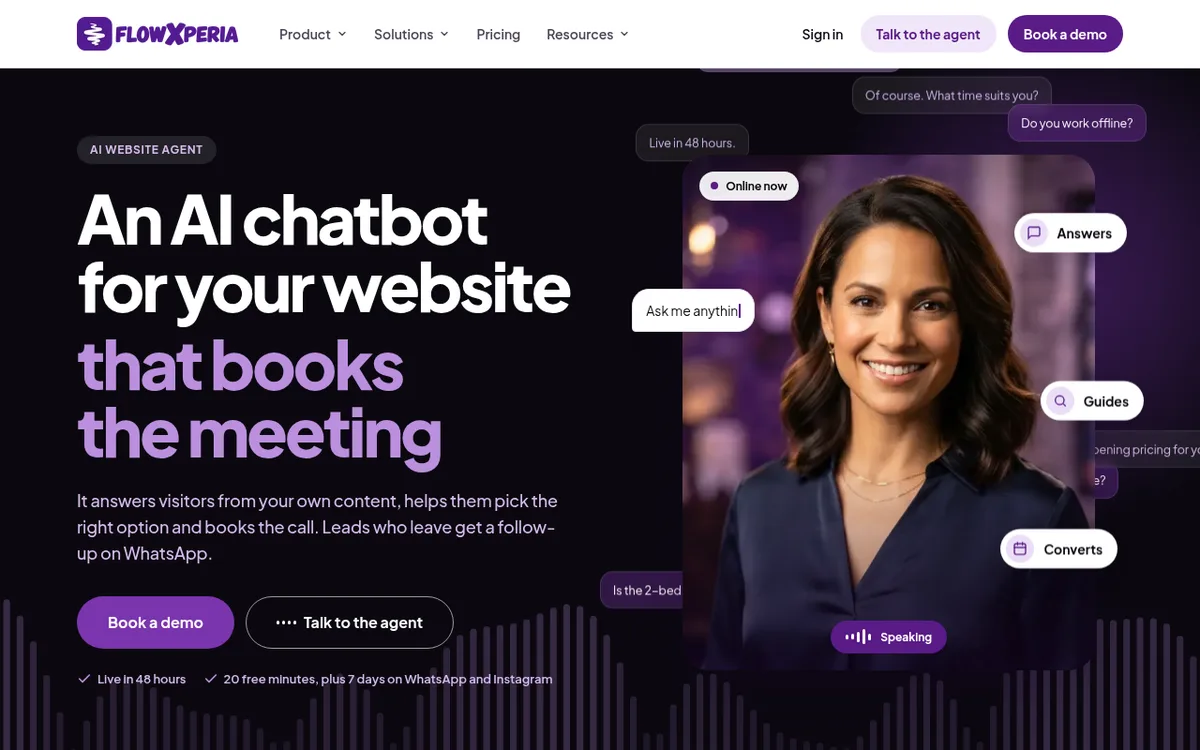
Flowxperia is our product, so weigh this entry accordingly. It is not a classic live chat inbox. It puts an AI agent on your site that answers visitors in voice or text from your own content, helps them choose and books the call.
Basic is $797 a month and includes up to 3 pre-built avatars. Growth starts at $1.5K a month and adds Inbound Automation, which follows up with leads on WhatsApp and Instagram, plus CRM sync. Scale starts at $2.5K.
Leads and the full conversation can go to your CRM (HubSpot, Salesforce, Zoho, Pipedrive, Dynamics 365 and others), your calendar, email, a Google Sheet or a webhook. See how the website agent works.
What we like
Talks to visitors and books the meeting itself
Unlimited seats and sessions, with a free trial
Prices are published
Watch out for
Not a human chat inbox or a support helpdesk
Starts at $797 a month, well above the free tools here
WhatsApp and Instagram follow-up starts on Growth at $1.5K
Bottom line: Pick it when the goal is booked meetings from website traffic, not a shared inbox for your team.
Live chat vs AI chat
Live chat puts a person on the other end. It works when you have people available and the questions need judgment. Chats go cold when nobody is online.
AI chat answers at any hour from your own content. It handles repeat questions well, but it should hand off to a person when a question is out of scope.
Most tools above now mix both. Staff the chat in office hours and let AI cover nights and weekends. If you mainly want an AI agent, read our guide to the best AI chatbots for websites.
The best live chat software depends on your team. For free chat, pick tawk.to or HubSpot. For a paid inbox, LiveChat, Crisp or Tidio. For support suites, Zendesk or Intercom. To have AI book meetings, pick Flowxperia, which is our product.
Live chat software puts a chat widget on your website and gives your team an inbox to answer visitors in real time. Most tools now add chatbots, AI replies, visitor tracking and ticketing.
tawk.to is free for life with no per-seat charge. HubSpot live chat is free for up to 2 users, Crisp has a free plan with 2 seats, Freshchat is free for up to 10 agents and Tidio has a free plan with 50 conversations a month.
Paid plans start around $19 to $29 a month. LiveChat is $19 per user a month billed annually, Zendesk Support Team is $19 per agent, Tidio paid plans start at $29 a month and Crisp Mini is $45 a month per workspace.
For a small business, start with a free plan from tawk.to, HubSpot, Crisp or Tidio. Move to LiveChat or Crisp Essentials when you need a fuller inbox. Pick Flowxperia if the main goal is booked meetings.
We did not test Android apps. Crisp lists mobile applications on its free plan, and Zoho SalesIQ lists a mobile app on every plan. Check the Play Store listing and reviews for any tool you shortlist.
They do different jobs. Live chat gets a person into the conversation, while a chatbot or AI agent answers around the clock. Most tools here combine both, so staff the chat in office hours and let AI cover the rest.
Yes. HubSpot says its bots can qualify leads and book meetings. Flowxperia answers visitors, asks your qualifying questions and books the call, then sends the full conversation to your CRM.
An agent that books the meeting
Answers visitors on your site, qualifies them and books the call. Try it free for 20 minutes on your website.






 Harsh Shah

